macOS Tahoe Portfolio is an interactive web-based portfolio template that replicates the macOS Tahoe operating system inside a web browser. The template is built with React 19, TypeScript, Vite, UnoCSS, Framer Motion, and Zustand.
All content is managed through Sanity, a headless CMS. Site owners can update their bio, add projects, publish blog posts, add work history, and change desktop wallpapers directly from the Sanity Studio dashboard without editing the code.
Key features
- Desktop interface:
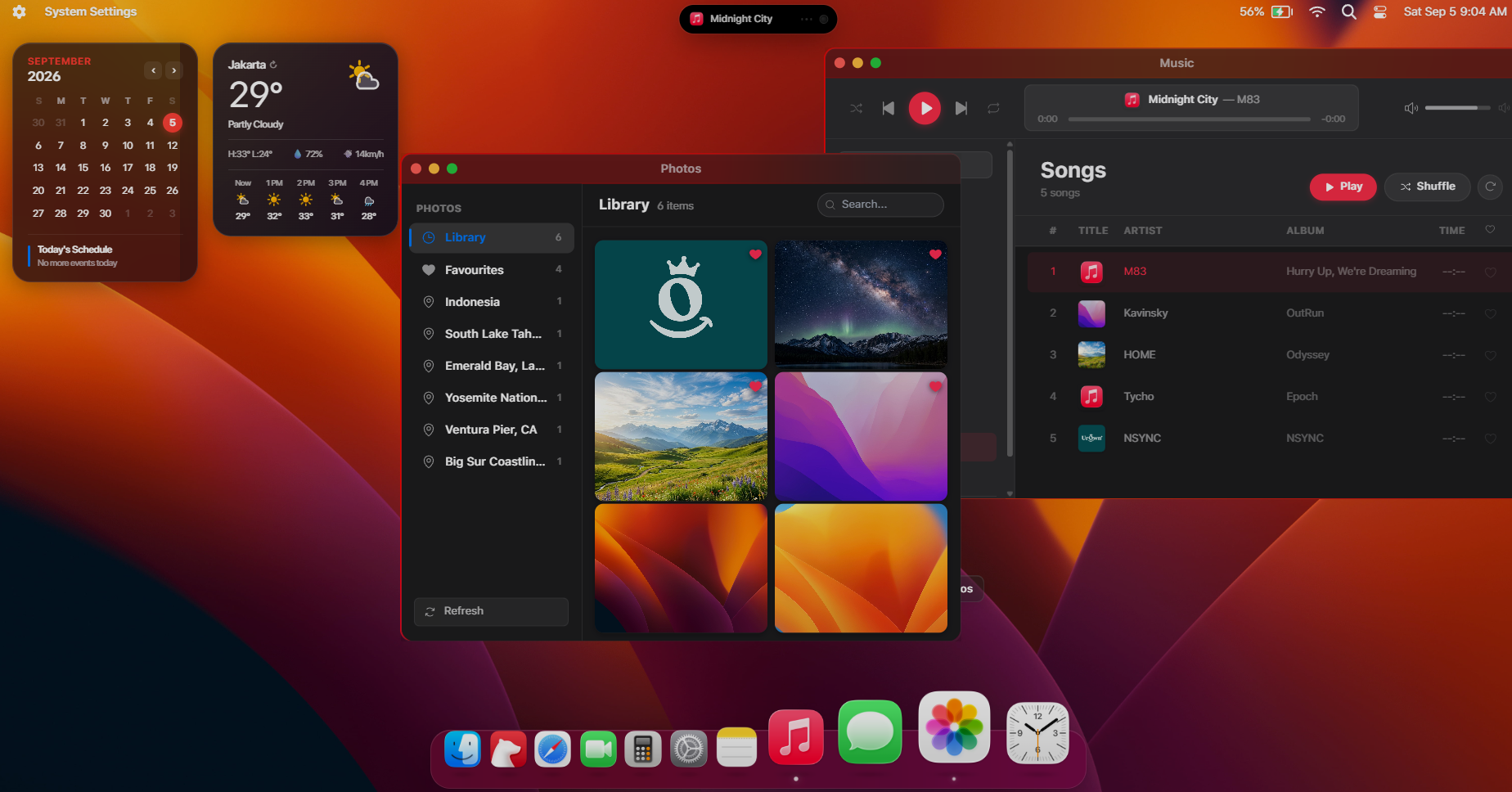
- Functional top menu bar with live clock, control center, and status indicators.
- Animated application dock with magnification on hover.
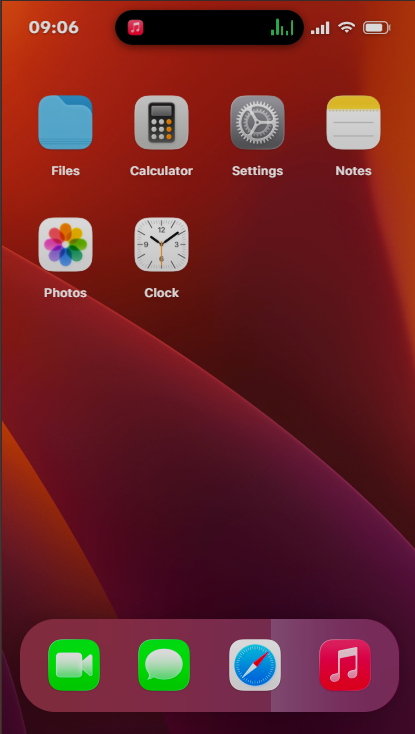
- Native desktop utilities including launchpad, notification center, dynamic island, and spotlight search.
- Window management:
- Draggable, resizable, and stackable application windows powered by react-rnd.
- Working macOS-style window controls to minimize, maximize, and close windows.
- Dynamic window focus layering when clicking between active tasks.
- Built-in applications:
- Safari: A structured project directory to present client work and live deployments with category filtering.
- Bear: A technical note and blog reader supporting Markdown, KaTeX math typesetting, and code syntax highlighting.
- Finder: A file browser for navigating documents, images, and downloadable assets such as a PDF resume.
- Photos: An image gallery for photography or UI designs, organized with date, location tags, and favorite badges.
- Music: An audio player with customizable tracklists, album art displays, and a functional progress scrub bar.
- Messages: An interactive chat simulator suitable for presenting client reviews or an interactive FAQ.
- FaceTime: A camera application that connects directly to the visitor's local webcam.
- Calculator and Clock: A working macOS-style arithmetic calculator and a world clock with timers.
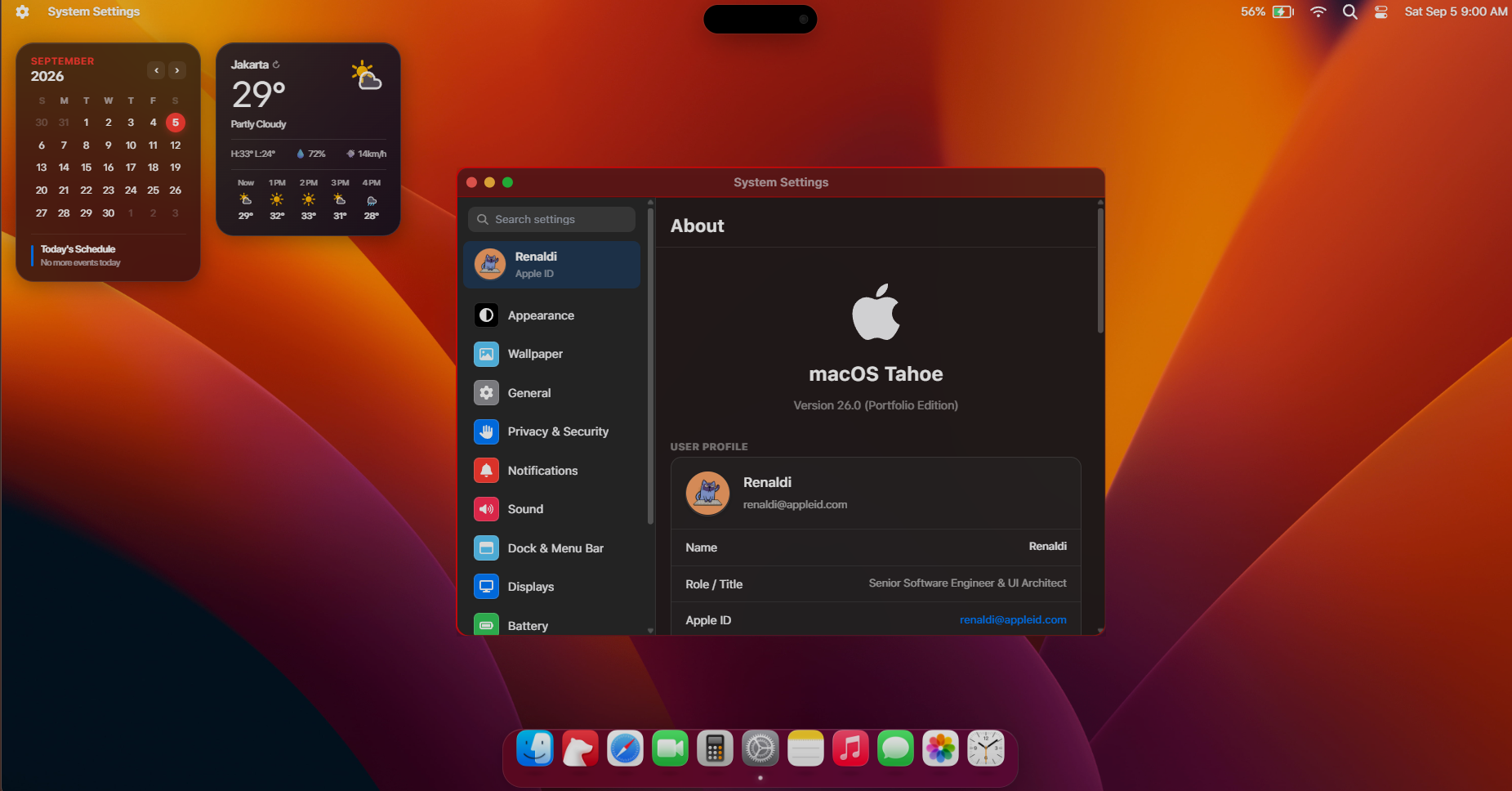
- System Settings and About This Mac: User profile cards, career timeline, education credentials, resume downloads, and appearance preferences.
- Architecture and CMS tooling:
- Dedicated
/studioroute for the embedded Sanity Studio editor. - A pre-configured seed script to populate sample data on initial setup.
- Structured SEO head components supporting Open Graph images and JSON-LD schema markup.
Advantages
- Higher visitor engagement: Visitors interact with windows, search files, and play audio rather than scanning a standard single-page layout.
- Non-technical maintenance: Content updates take place in an intuitive admin form. Updating project screenshots, descriptions, or resume links does not require touching source code or rebuilding the repository manually.
- Fast page delivery: Built with Vite and UnoCSS, keeping asset sizes small and ensuring animations remain fluid on modern browsers.
- Clean, modular code: Written in strict TypeScript with isolated React components, making it straightforward for developers to add new windows or custom widgets.
Uniqueness
- Complete OS metaphor: While most portfolios rely on vertical scrolling layouts, this template implements a functional desktop environment with its own file tree, search utility, and window manager.
- Accurate interface details: Includes blurred frosted-glass window materials, realistic window drop shadows, system sounds, and responsive desktop shortcuts.
- Unified multi-disciplinary layout: Allows professionals to present software projects (Safari), technical writing (Bear), visual assets (Photos), and formal credentials (About This Mac) inside a single